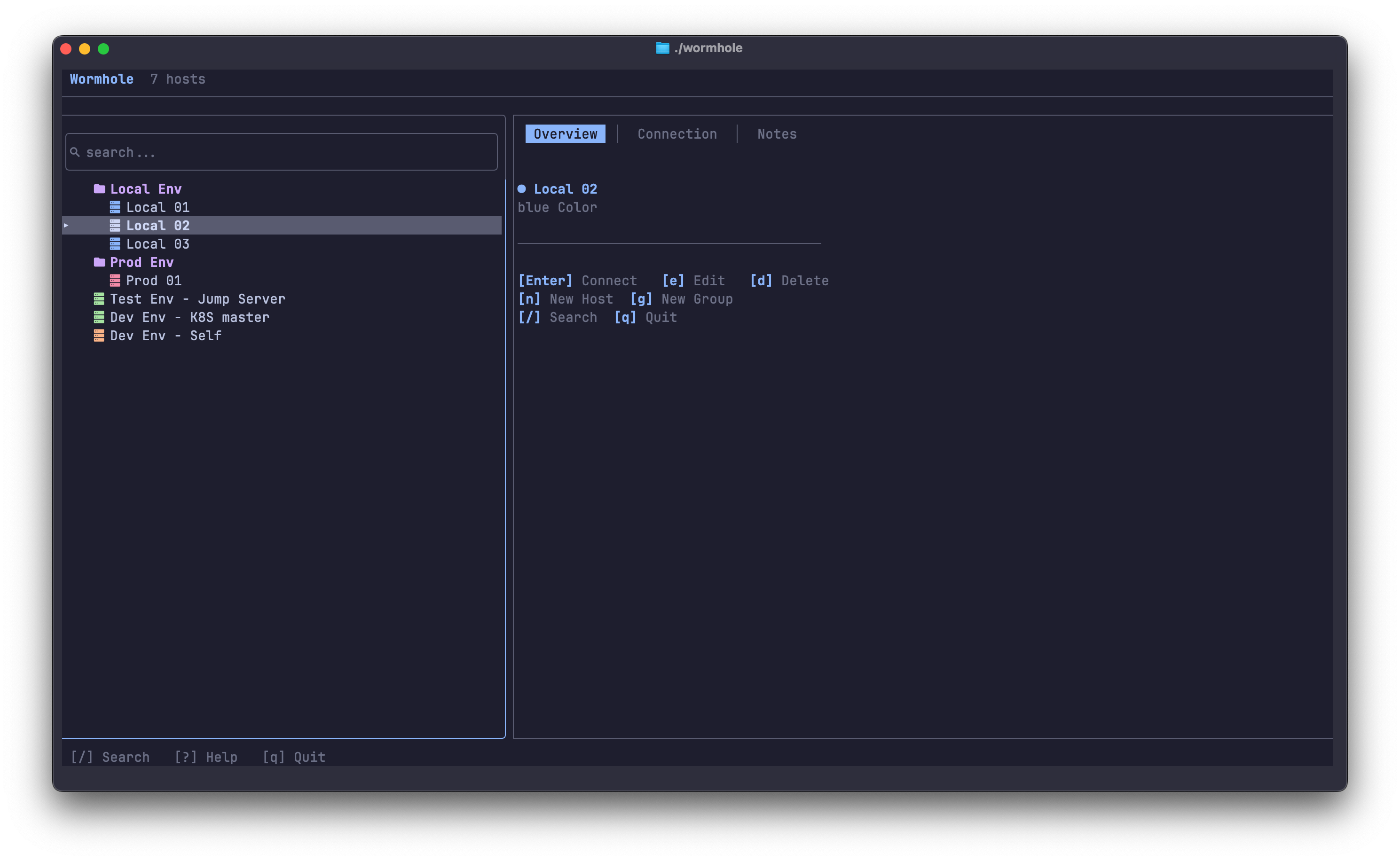
A fully TUI-based SSH connection manager built with Rust. No browser, no Electron β just your terminal, butter-smooth and instant. Manage servers, encrypt credentials, and connect with a single keypress.
Powerful features designed for developers who live in the terminal
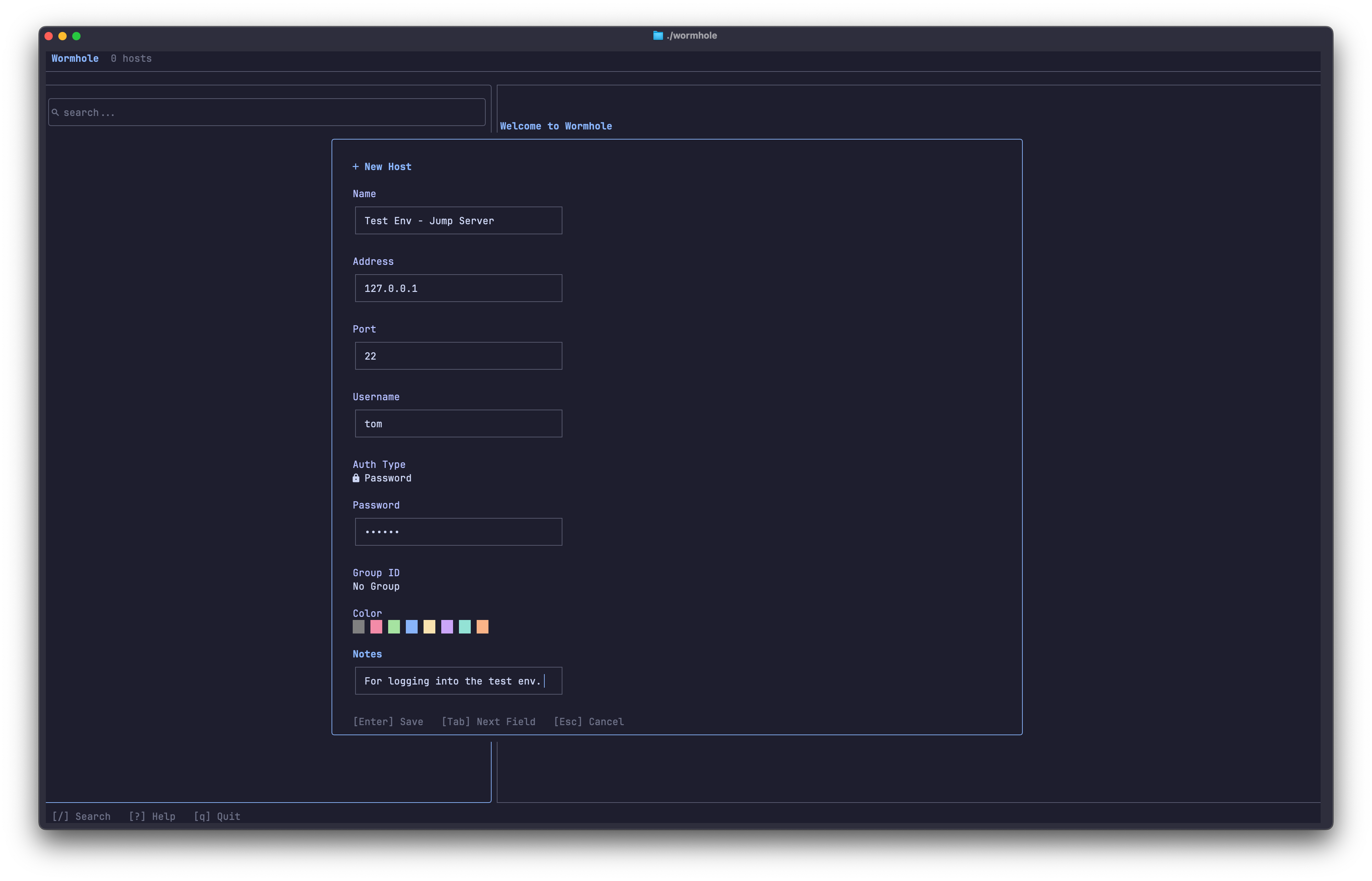
AES-256-GCM encryption with Argon2id key derivation keeps your credentials safe locally.
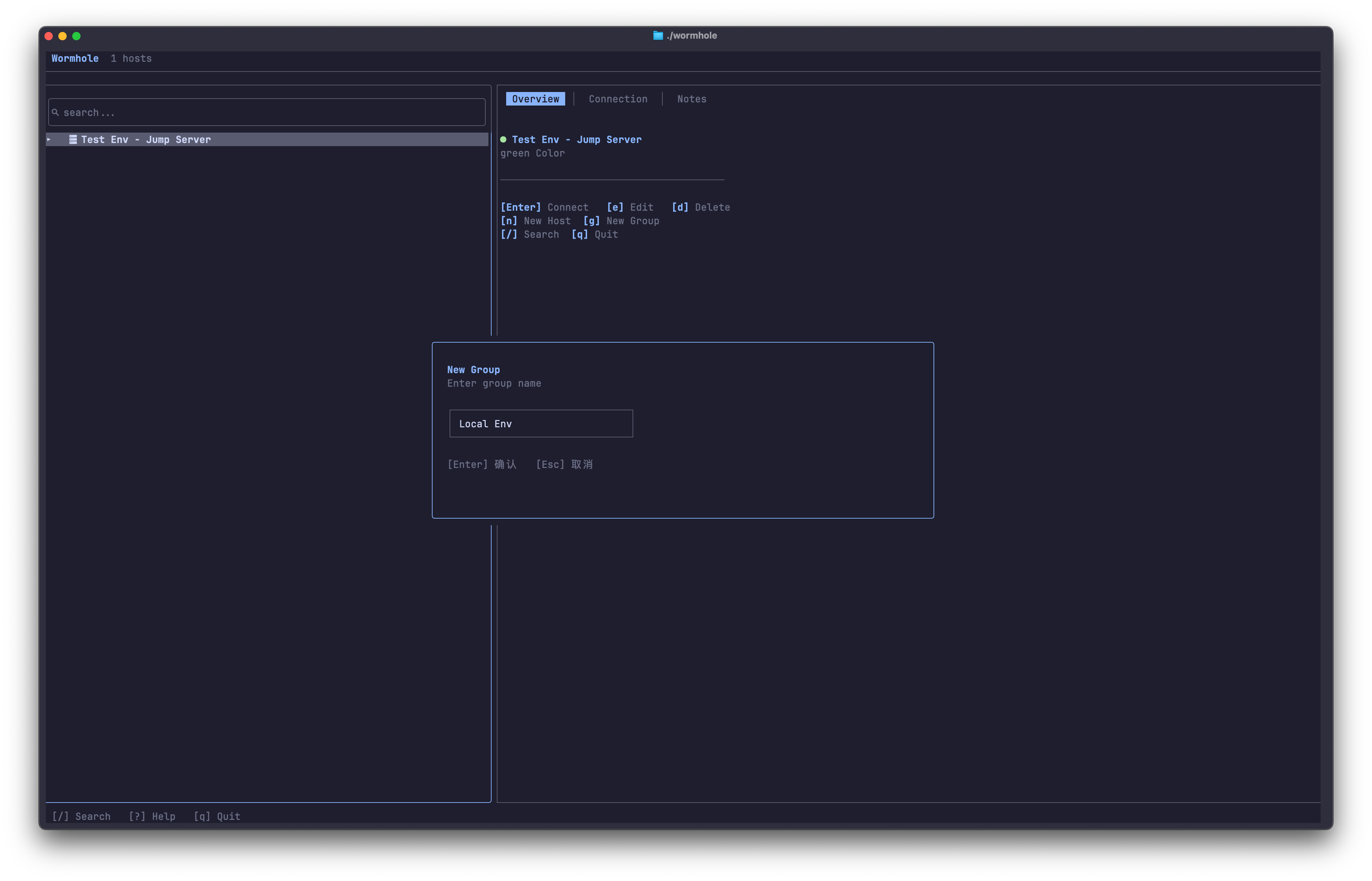
Organize hosts into collapsible groups. Drag to reorder with Shift+J/K.
Full-text search across host names, addresses, and groups. Find anything in milliseconds.
Catppuccin Mocha, Tokyo Night, Dracula, Gruvbox Dark β with live preview on switch.
In-app language switching for English, Chinese, Japanese, and Korean.
Navigate with j/k/h/l. Every action mapped to a single keypress. No mouse needed.
A stunning TUI that makes managing SSH connections a joy
Clone, build, and connect to your first server
Required for icons. E.g. brew install --cask font-jetbrains-mono-nerd-font
Requires Rust 1.85+. Build with cargo build --release
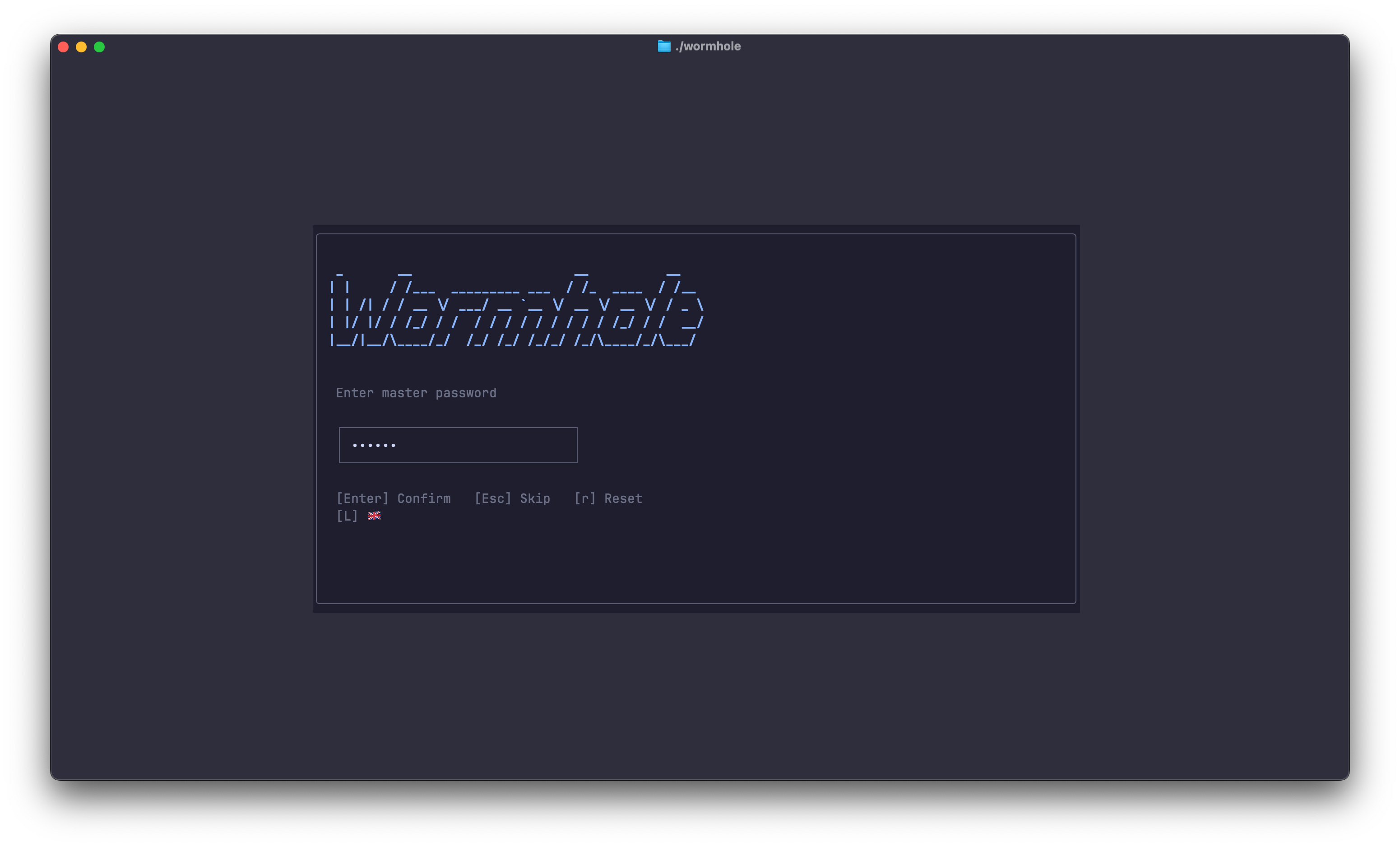
Execute wormhole in your terminal. Set a master password or skip it.
# Clone the repository $ git clone https://github.com/IntelliMill/wormhole.git $ cd wormhole # Build from source $ cargo build --release # Install to PATH $ cp target/release/wormhole /usr/local/bin/ # Launch! $ wormhole
| Key | Action |
|---|---|
| j / ↓ | Move down |
| k / ↑ | Move up |
| h / l | Switch panel |
| Enter | Connect to host |
| n | New host |
| g | New group |
| e | Edit selected |
| d | Delete selected |
| / | Search |
| t | Switch theme |
| ? | Help |
| q | Quit |
Groups, encrypted credentials, instant search, beautiful themes β all in a single TUI. Built with Rust for speed. One command to install, one keypress to connect.